Note Wall
A shared wall where visitors leave sticky notes
A small web app for iGlowly where anyone can leave a note about skincare, treatments or surgery: a tip, a little win, or something they wish they’d known. Notes appear immediately, with an interface available in English, French and Dutch on mobile and desktop.
Live at wall.iglowly.com.




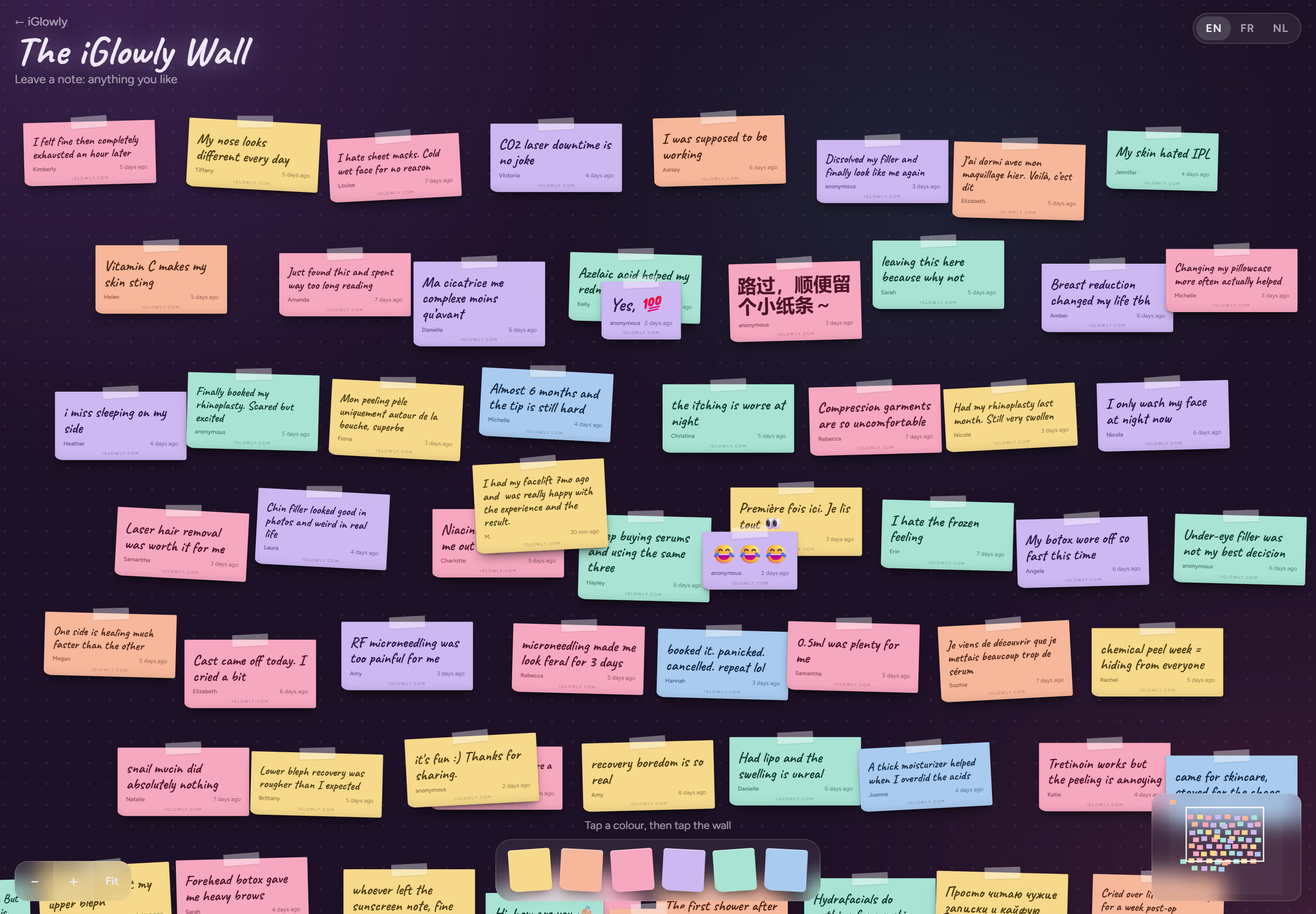
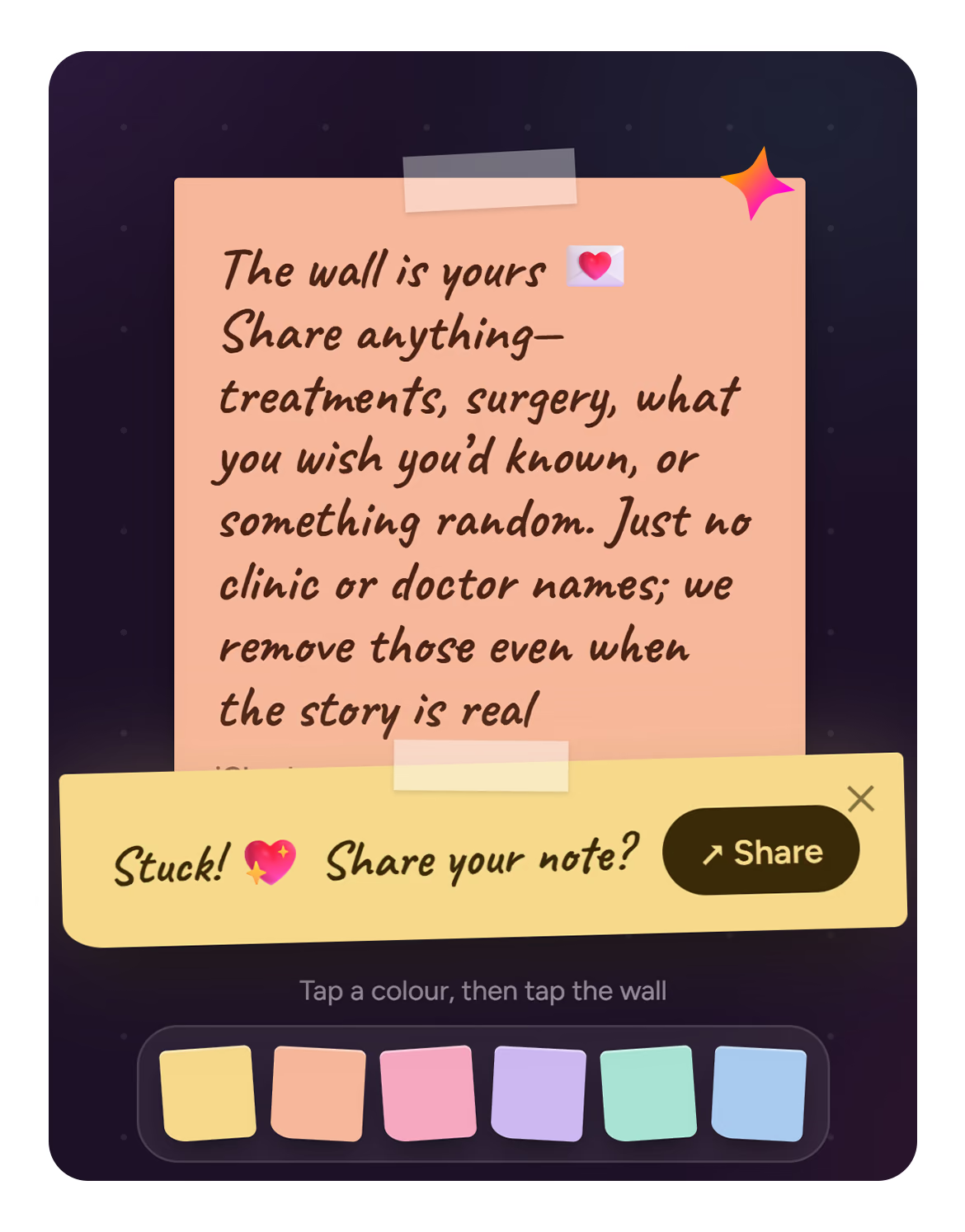
Leaving a note
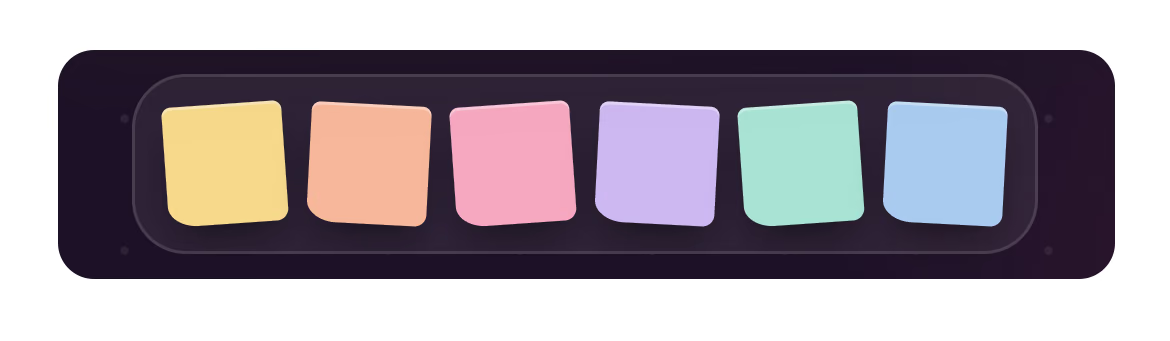
On desktop, drag a sticky onto the wall. On a phone, tap a colour, then tap a spot. Each note adjusts to fit its text. An optional “Need an idea?” prompt offers a sentence starter, and a small sparkle confirms when the note has stuck.
Drag to explore the wall, zoom with the mouse wheel, a pinch or the buttons, and press Fit to see everything. A mini map helps visitors keep their bearings. On desktop, a soft glow follows the cursor; tapping a distant note brings it smoothly into view.
Replies and sharing
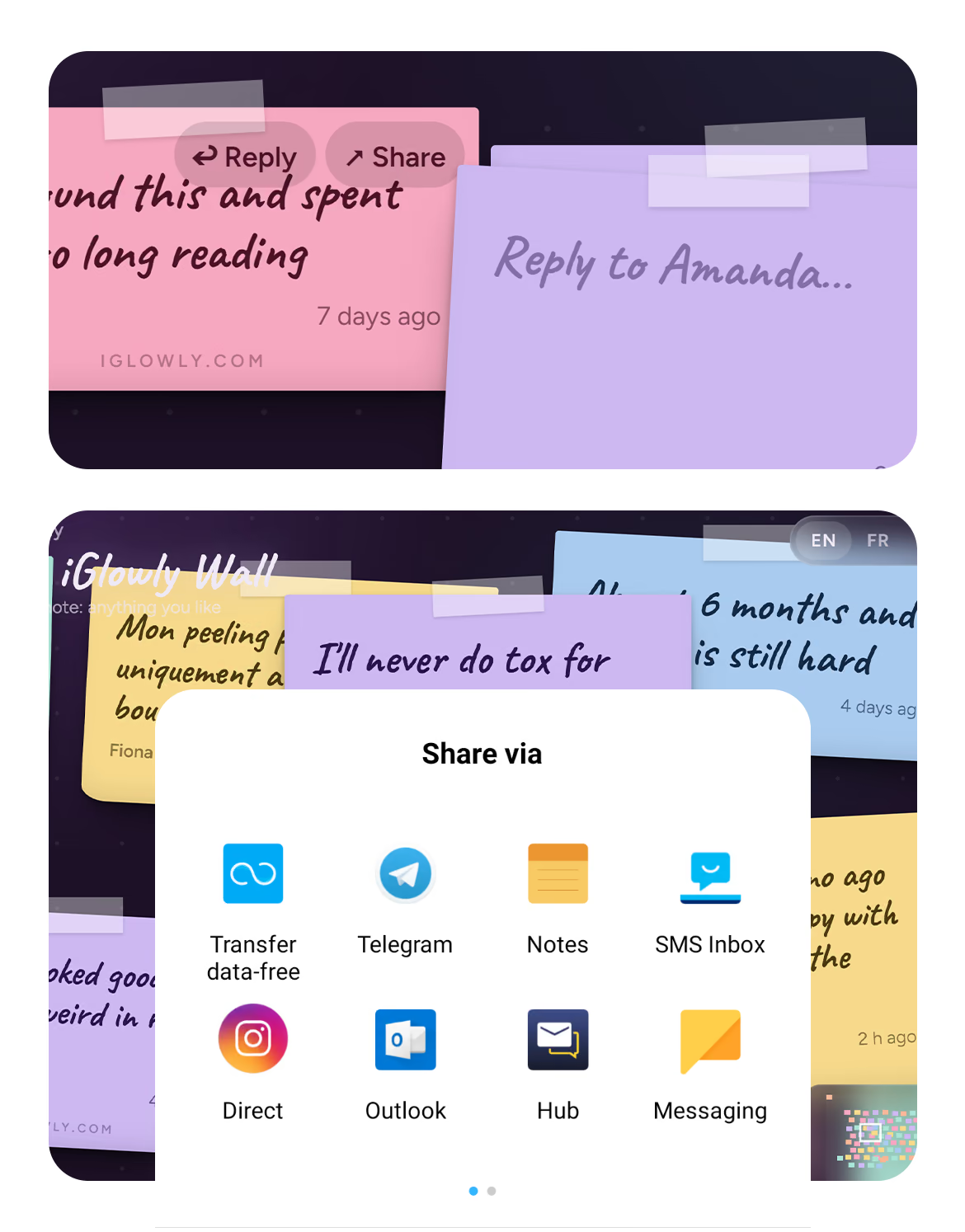
Replies sit beside the original note, connected by a dotted line. On a return visit, the browser indicates whether someone has replied. No sign-up is needed.
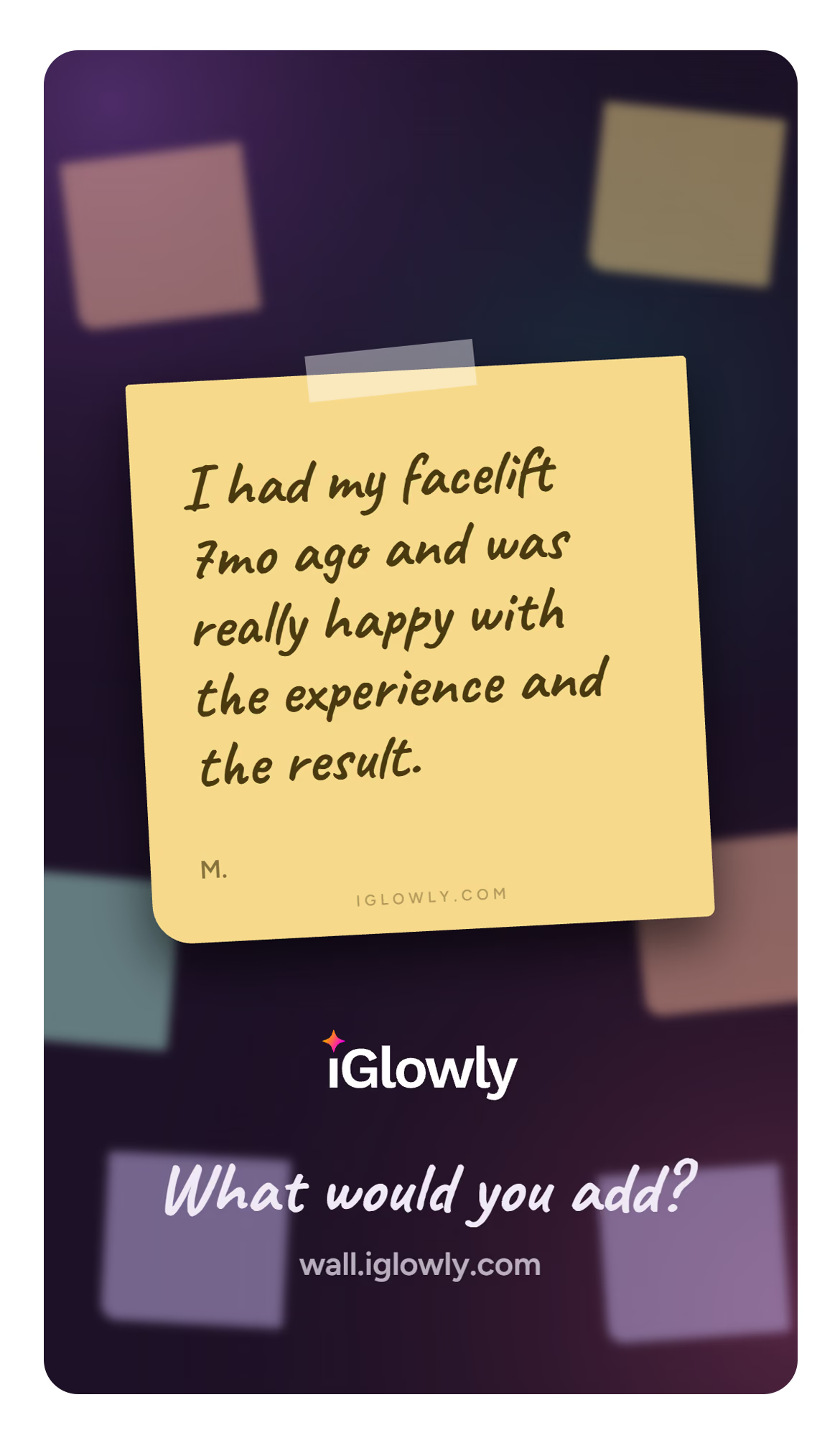
Every note has a direct link and its own preview image for sharing on WhatsApp, Facebook, X and LinkedIn. On supported phones, Share opens the native share sheet with a story-format image that can be used on Instagram or TikTok.
Each shared image asks “What would you add?”, inviting others back to the wall.
Automatic checks, human decisions
Spam protection combines a Turnstile check, a limit of two notes per minute and a restriction on links. Notes otherwise appear immediately, as written.
An AI check asks three simple questions: does the note name a doctor, name a clinic or contain offensive language? These checks flag notes for the owner’s review; they don’t rewrite or automatically remove them. Off-topic comments are allowed.
The review panel puts red-flagged notes first. Removed notes go into a bin and can be restored.
Recovery tip: sleep on two pillows
Dr. Martin did my nose, 10/10
- Doctor named?
- Clinic named?
- Offensive?
2 + 2 = 5
This wall is s*** and so are you
How it runs
A Cloudflare Worker serves the wall and generates a page for each shared note. Supabase Edge Functions handle note storage and preview-image generation.
Generating images inside the Worker exceeded the free plan’s CPU limit, so that work was moved to an Edge Function. Only the sticky note is rendered dynamically, against a background prepared in advance. This keeps processing light and hosting costs close to zero.
